A conversation that turns into work you can open.
Crossbox is a chat that reads the text files you attach, asks before it acts, and leaves files and drafts you can open.
This page describes what works today in the private application. The application is not open to the public yet, and joining the waitlist registers your interest.
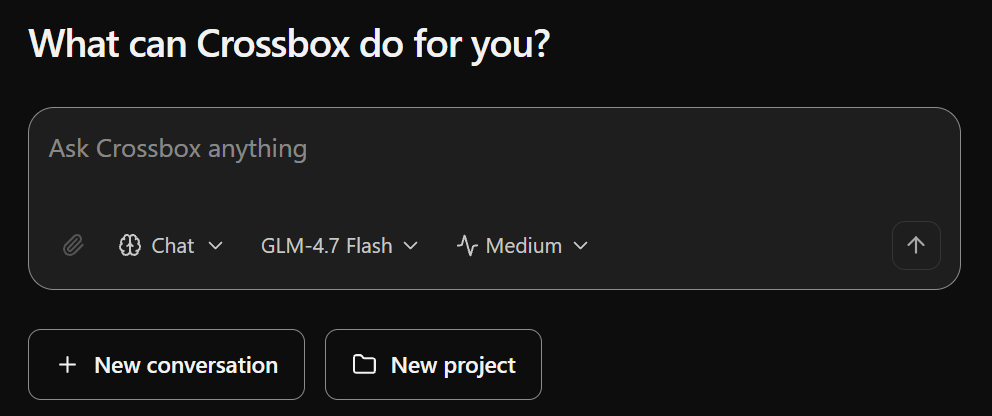
What you can do with it
Ask for the outcome. See what it leaves behind.
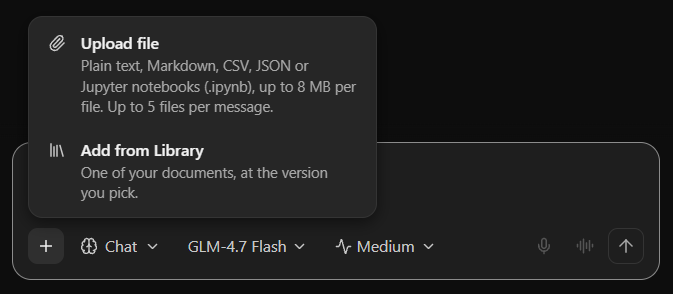
Ask about the files you attach
Attach text, Markdown, CSV, JSON or notebook files in a chat and ask about them.
Up to 5 files of 8 MB each per message. Attaching is not available from the Home screen yet.
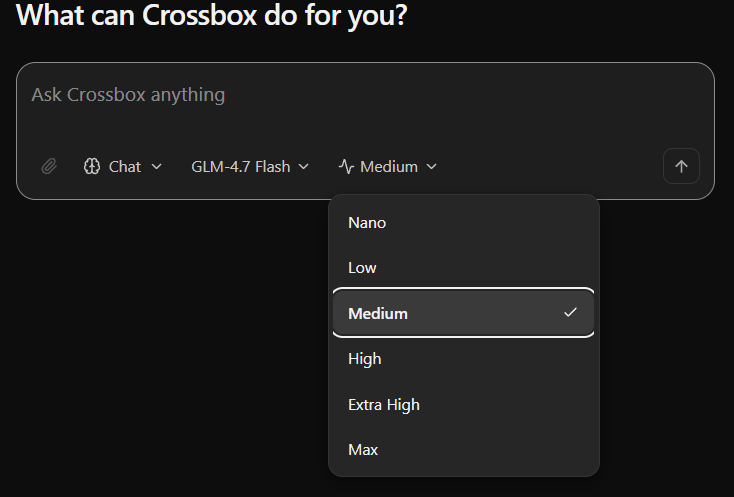
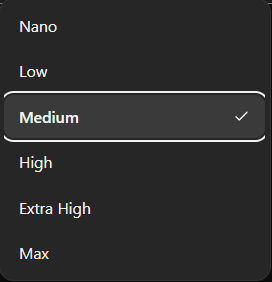
Choose a model and how hard it works
Choose a model, and an intensity from Nano to Max, for each message.
- You describe the task
- A step with an effect waits for your approval
- The task leaves a file you can open
Hand it a task that asks first
Steps with an effect wait for your approval, and the task leaves files you can open.
- You describe the site in the chat
- Crossbox saves a version
- You preview the draft, and publish only if you choose
Draft a site and save a version
A saved version is a draft you can preview. Nothing is published until you publish it.
Outcomes
Up to 5 files of 8 MB each per message. Attaching is not available from the Home screen yet.
- You describe the task
- A step with an effect waits for your approval
- The task leaves a file you can open
- You describe the site in the chat
- Crossbox saves a version
- You preview the draft, and publish only if you choose
From a question to a result you can open.
Your question, the files you attach and what you asked it to remember go to a model you choose. Steps that act wait for your approval, and the result lands where you can open it.
You stay in charge of what happens.
You choose the model and how hard it works.
Steps run on your computer only when one is connected. A cloud workspace is not set up yet.
Anything with an effect asks first, and a denied step does not run.
Chats, projects, files and memory are kept together and you can review them. Memory is saved when you ask.
Join the waitlist.
The application is not open to the public yet. Join the waitlist to register your interest.